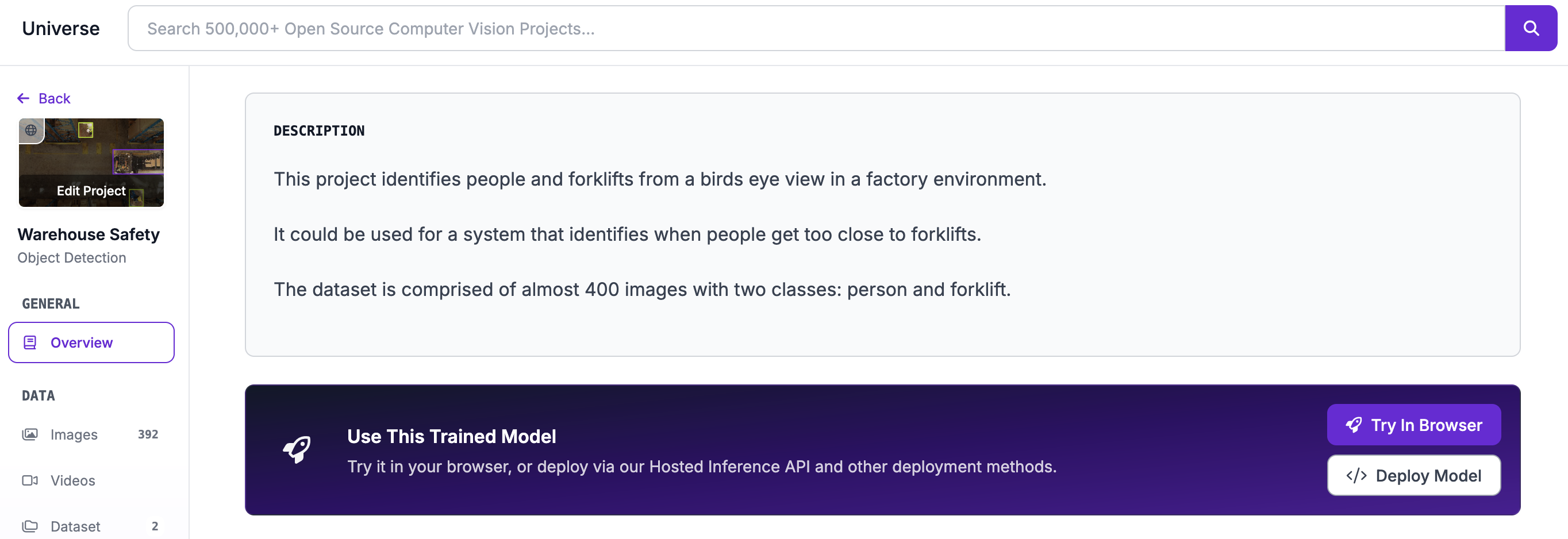
Set a Project Description
You can add a description to public Projects. This description will appear on Roboflow Universe as long as your project is Public.
A Project description is a place to share information like:
- An overview of your project
- What classes are in your dataset, and what each class means
- What data is in your dataset
- How you collected the data
- What the dataset may be useful for
To set a Project description, click the three dots next to your Project name in the sidebar of your Project:
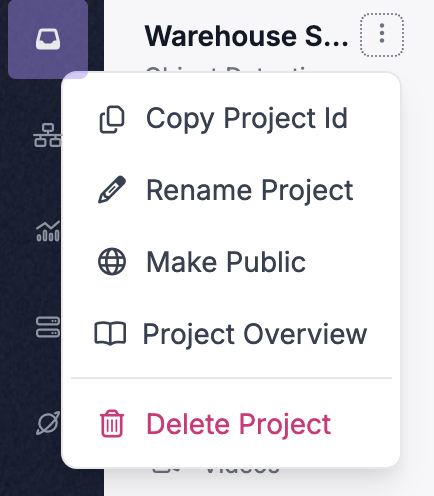
Then, click Project Overview.
You will be taken to your Project Overview page:
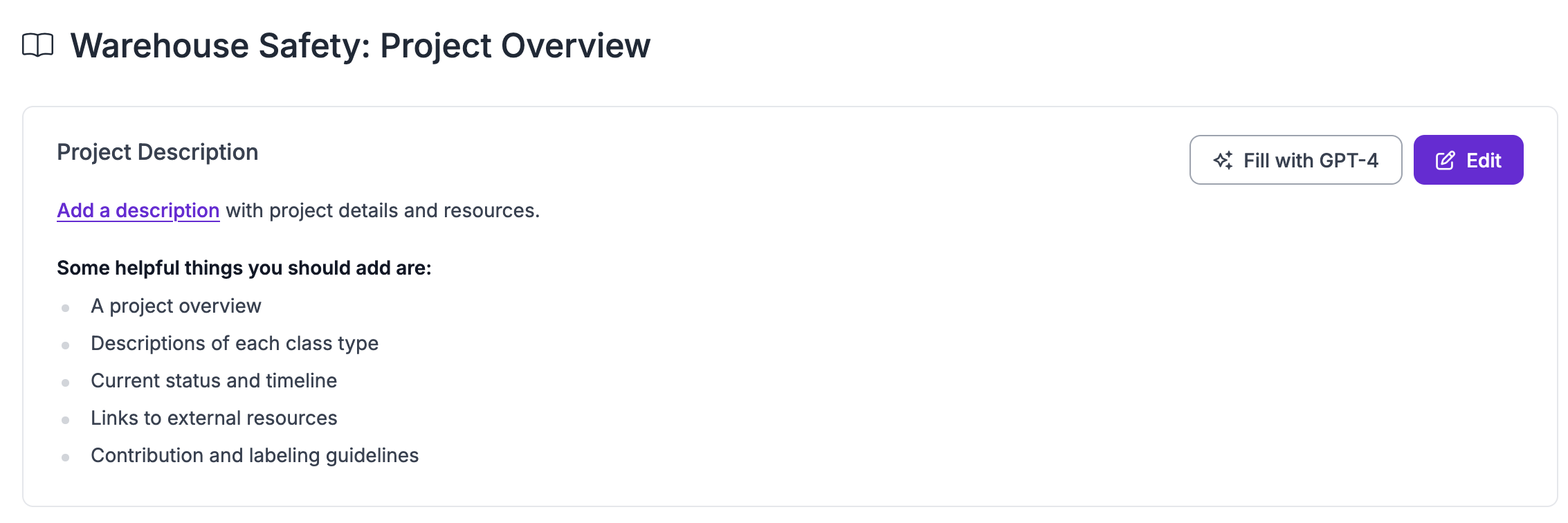
Click "Edit" to edit your Project description:
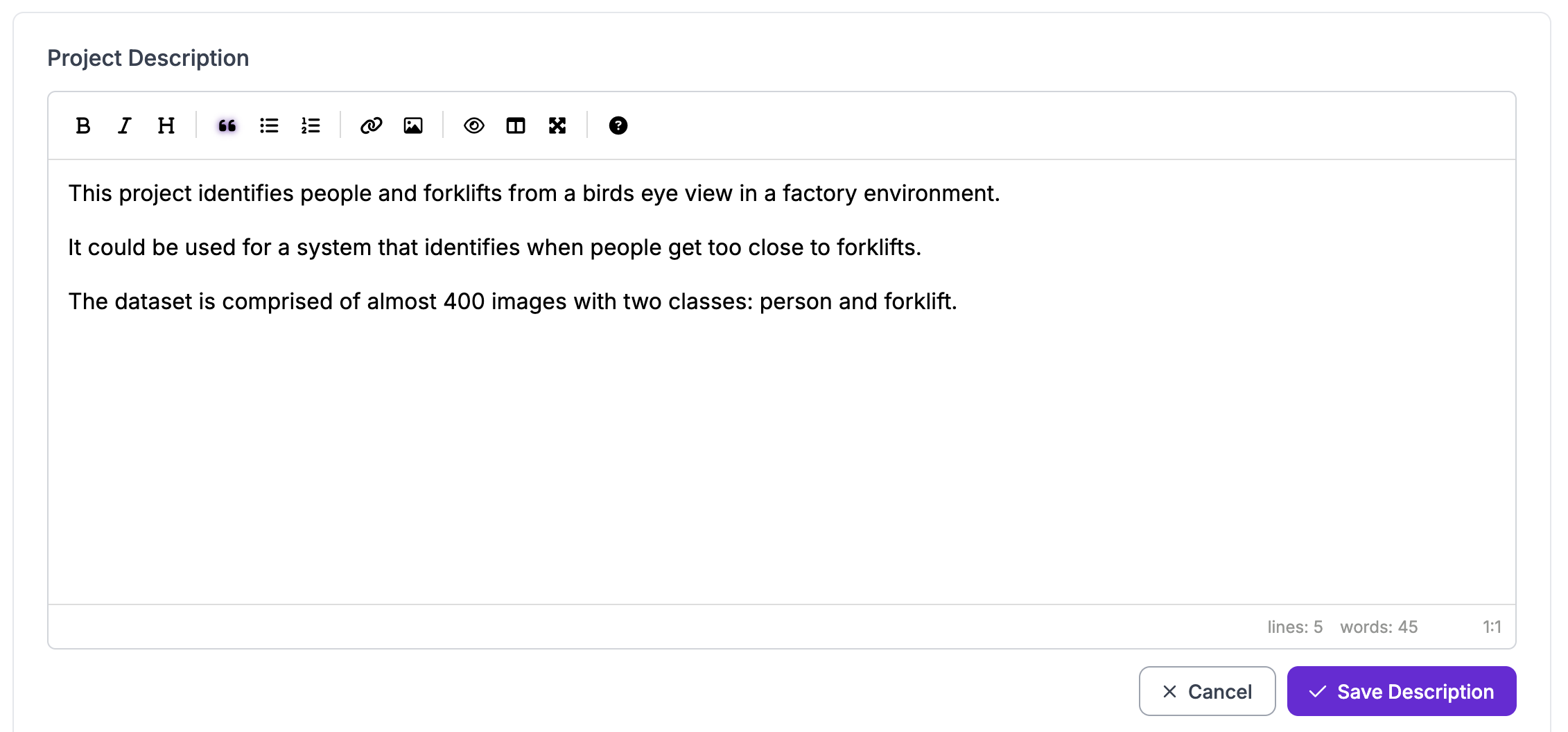
Once you have written your project description, click "Save Description".
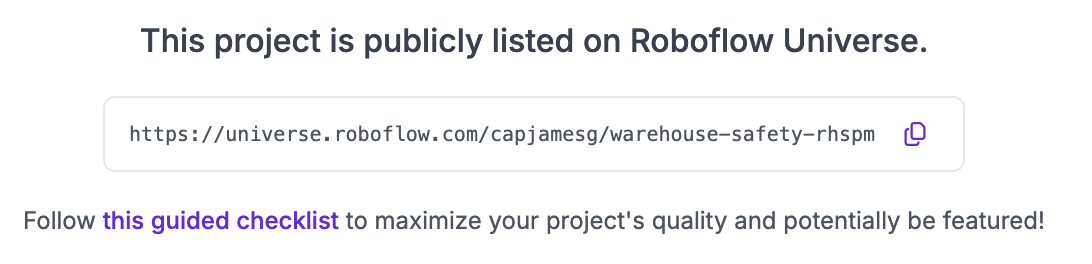
You will then be taken back to the Project Overview page. If your project is public, you will see a URL toward the bottom of the page. Copy this URL and open it to see your public Universe page.
Your description will be published on your Project page on Universe: