Explore Images in a Universe Dataset
You can see the images and annotations in a Universe dataset from the Images page in a dataset.
How to Explore Images in a Universe Dataset
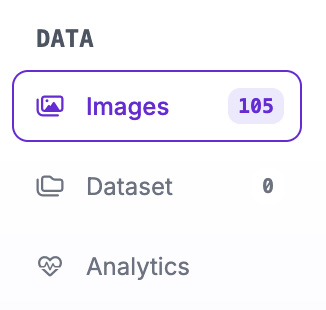
First, open a Universe dataset. Then, click "Images" in the left sidebar of the project:
You will then be taken to a page that lists all the images in the dataset:
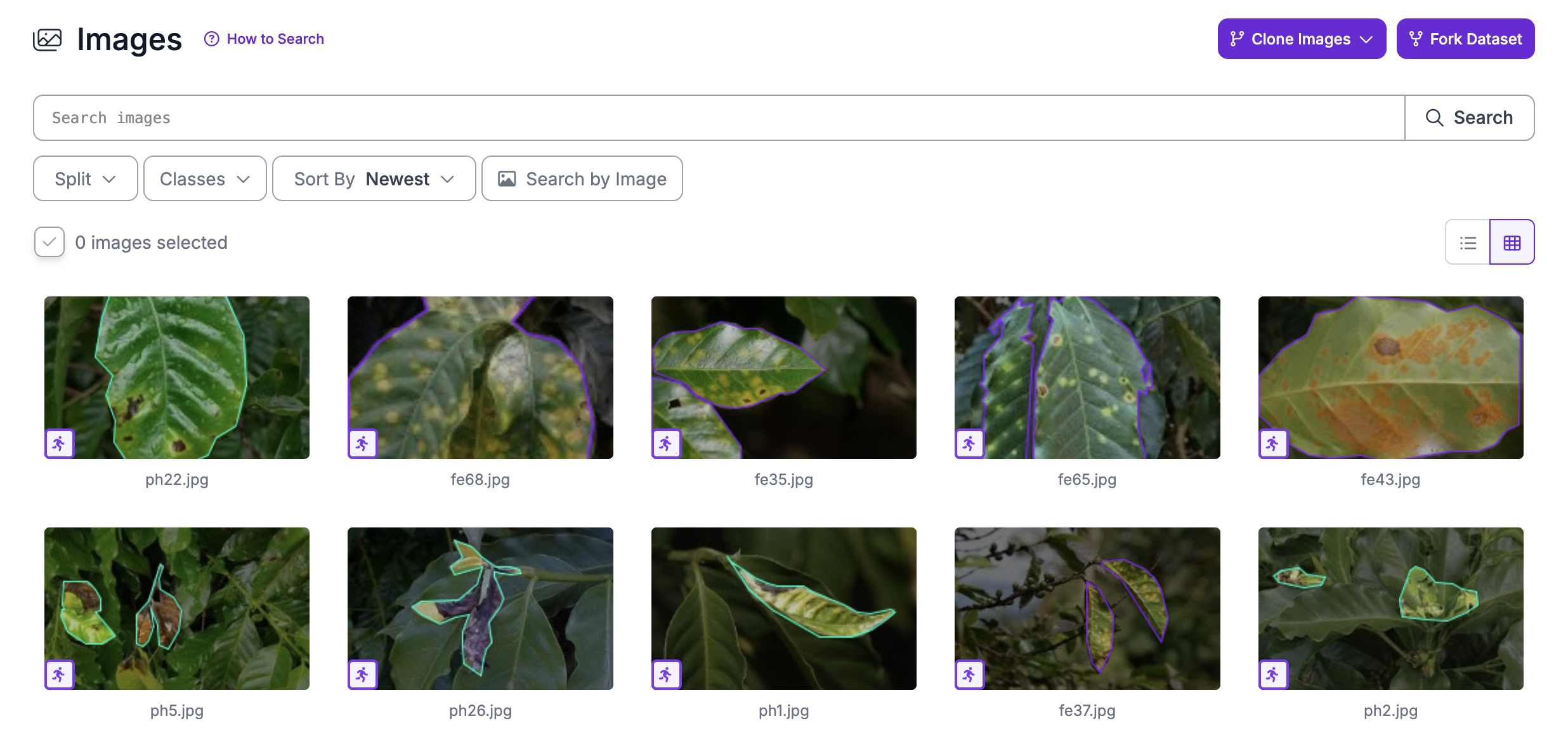
You can search the dataset using the same syntax available for datasets in the Roboflow application.
To see an image in more detail or to see its annotations, click on an image. You will then be taken to a view-only annotation interface:
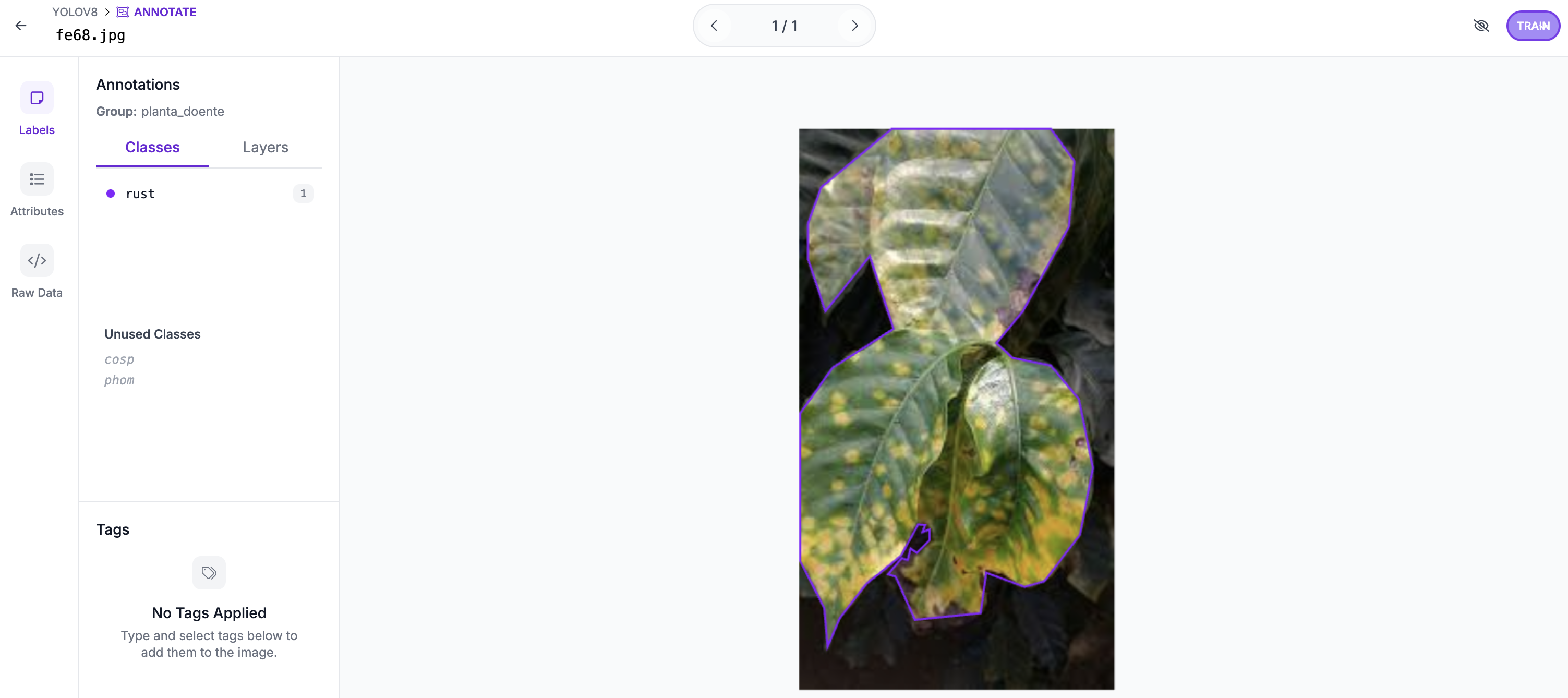
This interface works like the Roboflow Annotate interface, except you cannot make any changes.