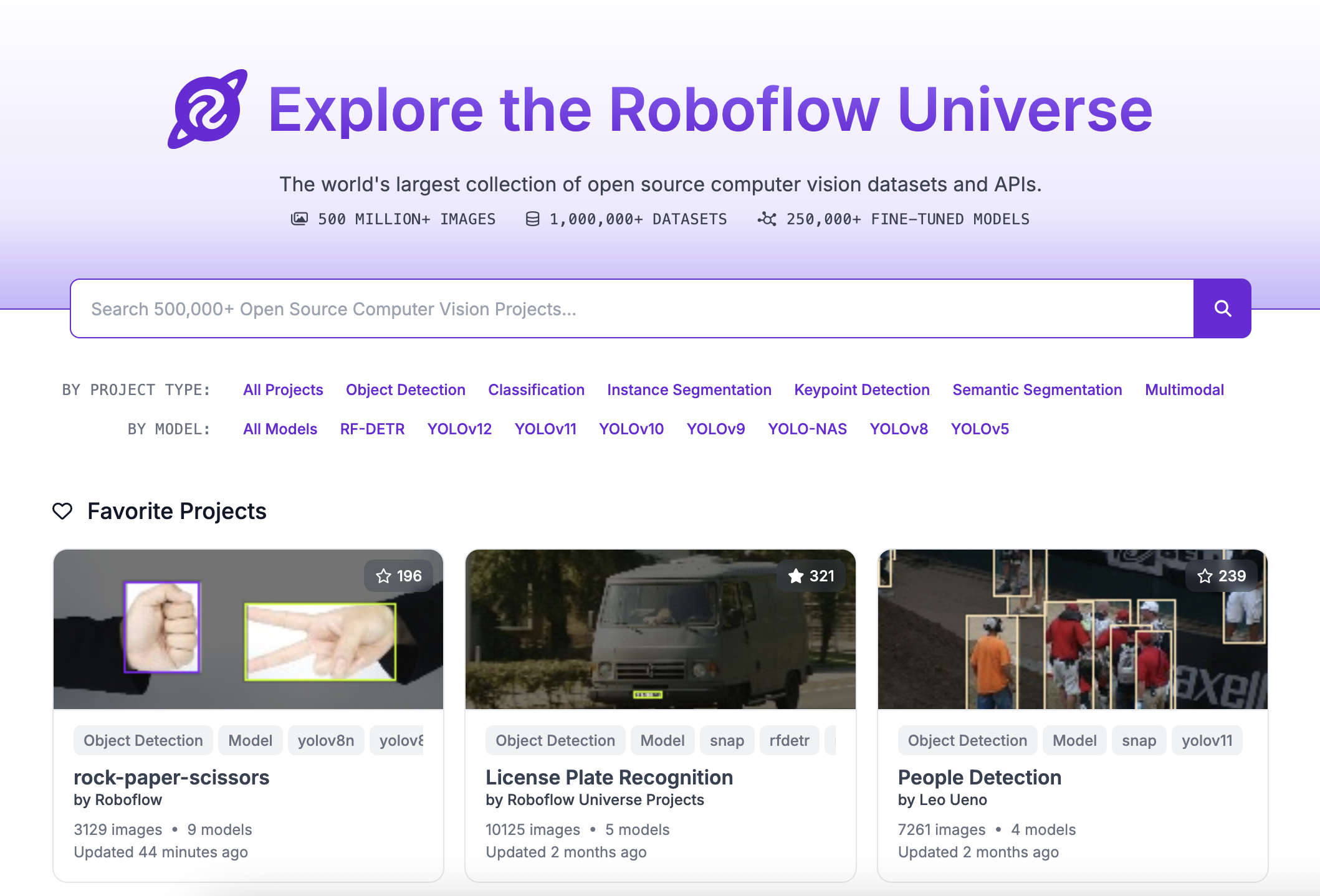
Roboflow Universe is the world's largest community of people sharing computer vision datasets and models.
You can use Universe to find data for use in training a model. You can also use Universe to find a pre-trained model to use in a Workflow.
Over one million datasets have been shared on Universe, and 50,000 models have been trained and made available for use.
If you are on a free plan, your datasets and models will be available on Roboflow Universe. If you are on a paid plan, you can create private projects. Private projects are only accessible to your Workspace and are never public.
This section of documentation walks through how to use Universe in your computer vision projects.
Run a Model From Roboflow Universe
With Inference, you can run any of the 50,000+ models available on Roboflow Universe. All models run on your own hardware.
Go to the Roboflow Universe homepage and use the search bar to find a model.
Add "model" to your search query to only find models.
Browse the search page to find a model.
When you have found a model, click on the model card to learn more. Click the "Model" link in the sidebar to get the information you need to use the model.
Then, install Inference and supervision, which we will use to run our model and handle model predictions, respectively:
pip install inference supervision
Next, create a new Python file and add the following code:
# import a utility function for loading Roboflow models
from inference import get_model
# import supervision to visualize our results
import supervision as sv
# import cv2 to help load our image
import cv2

# define the image url to use for inference
image_file = "people-walking.jpg"
image = cv2.imread(image_file)

# load a pre-trained rfdetr model
model = get_model(model_id="rfdetr-small")

# run inference on our chosen image, image can be a url, a numpy array, a PIL image, etc.
results = model.infer(image)

# load the results into the supervision Detections api
detections = sv.Detections.from_inference(results[0].dict(by_alias=True, exclude_none=True))

# create supervision annotators
bounding_box_annotator = sv.BoxAnnotator()
label_annotator = sv.LabelAnnotator()

# annotate the image with our inference results
annotated_image = bounding_box_annotator.annotate(
    scene=image, detections=detections)
annotated_image = label_annotator.annotate(
    scene=annotated_image, detections=detections)

# display the image
sv.plot_image(annotated_image)
To see more models, check out the Pre-Trained Models page and Roboflow Universe.
The people-walking.jpg file is hosted here.
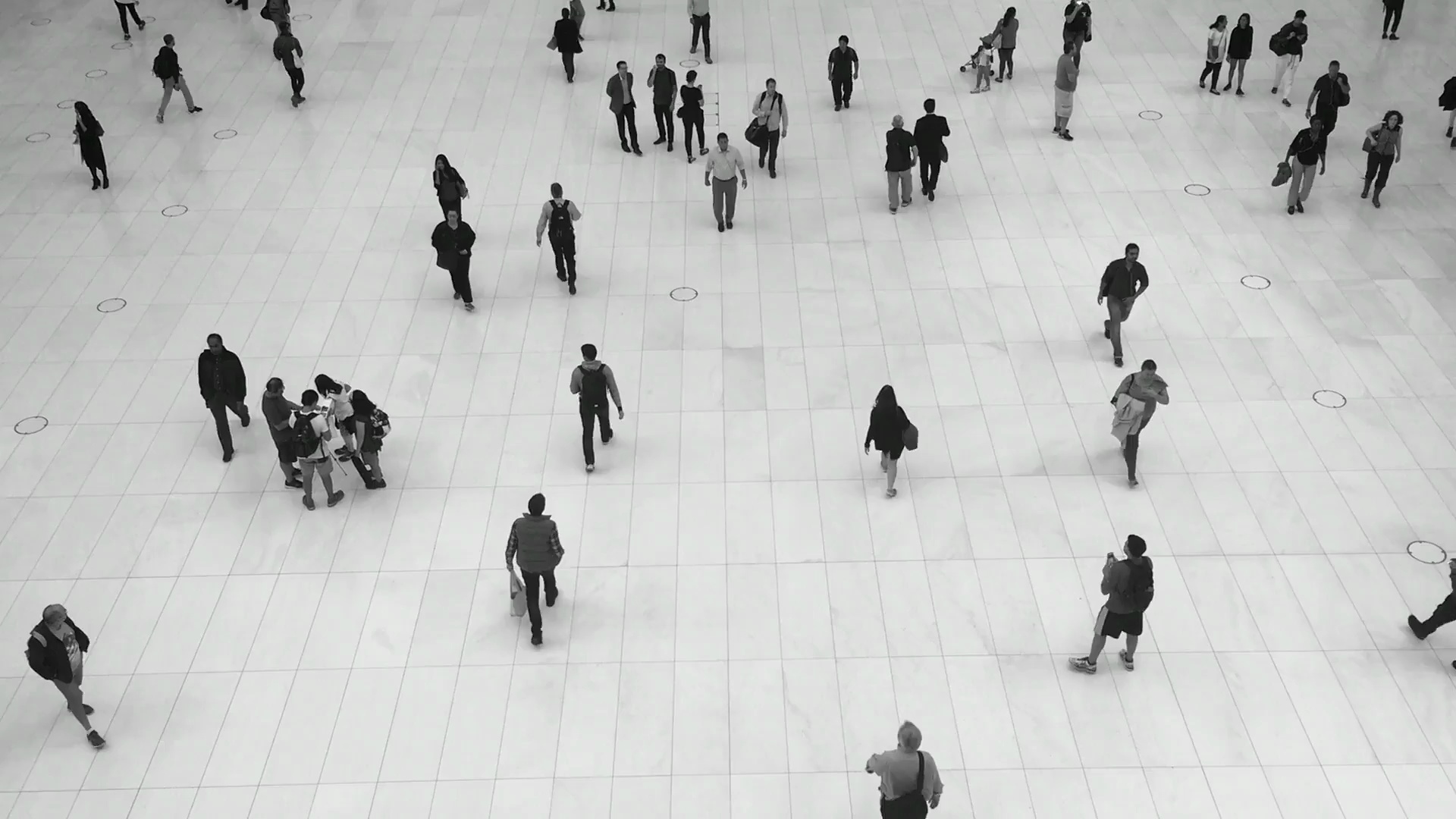
Replace rfdetr-small with the model ID you found on Universe, replace image with the image of your choosing, and be sure to export your API key:
export ROBOFLOW_API_KEY=<your api key>
Then, run the Python script:
python app.py
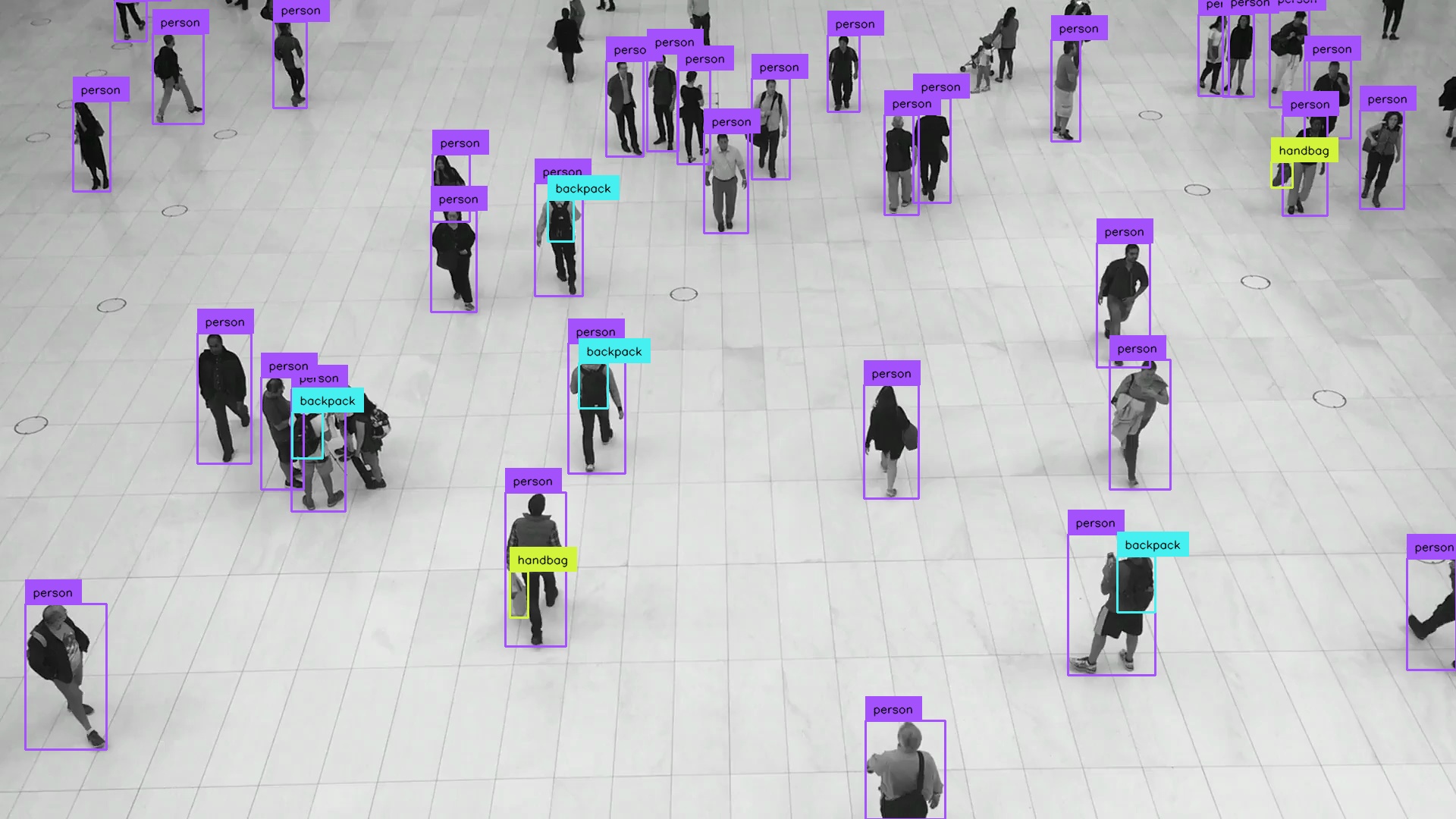
You should see your model's predictions visualized on your screen.